



HOTEL LOBBY AI VIDEO GENERATOR
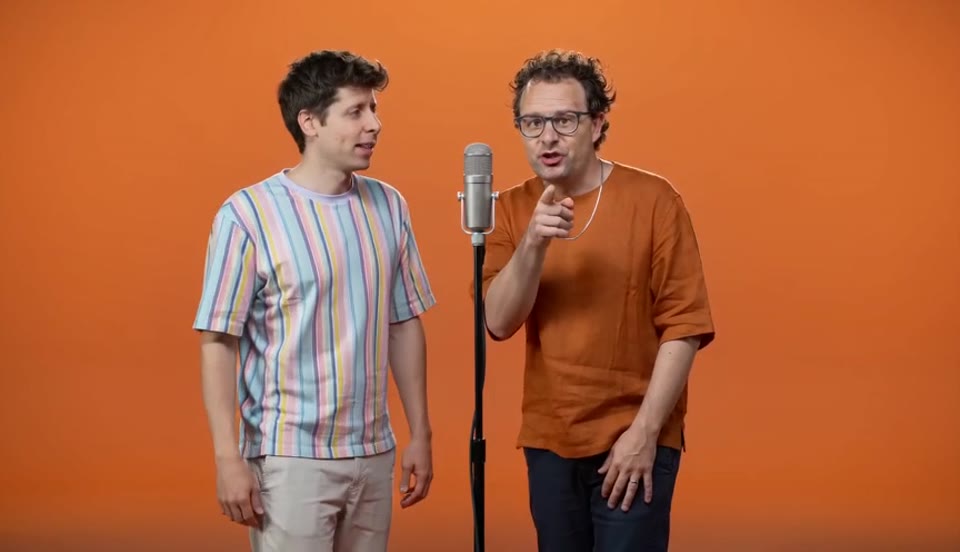
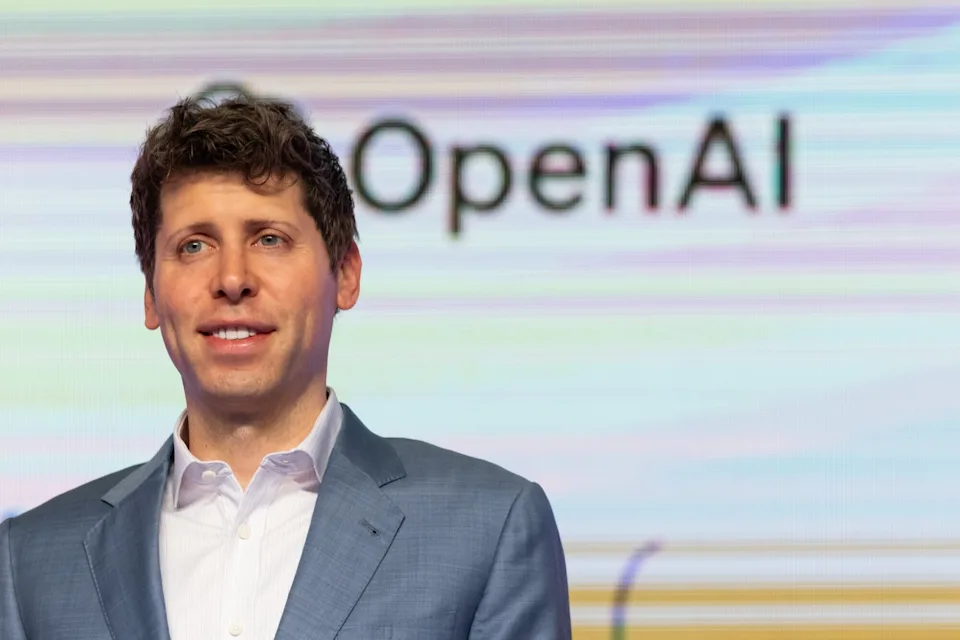
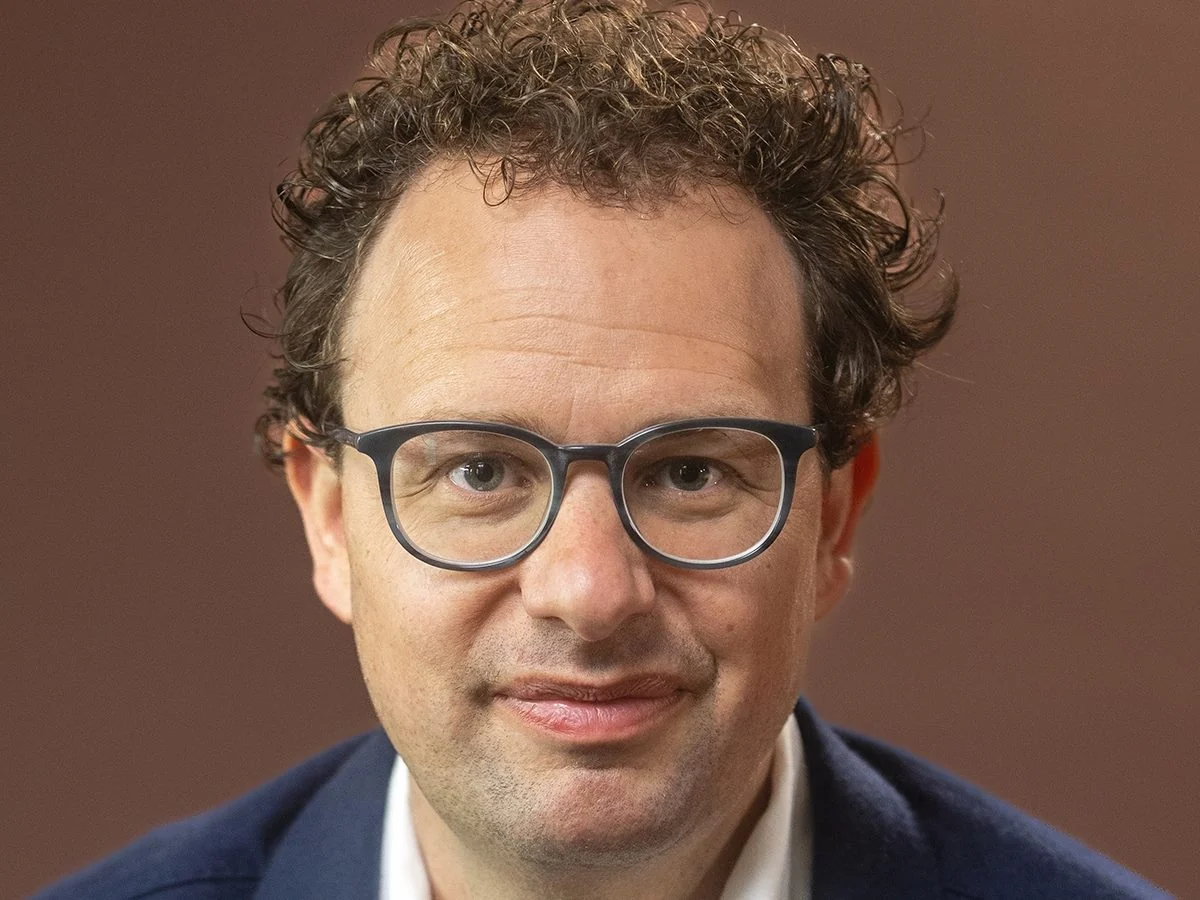
Turn 2 reference photos into an orange-studio rap duo with generated vocals and music. Choose 5, 10 or 15 seconds at 480p. No original video or song upload needed.
- Duet
- 15s
- 16:9
- 480p
One 5-second sample · purchase to generate the full version
Meme remakes
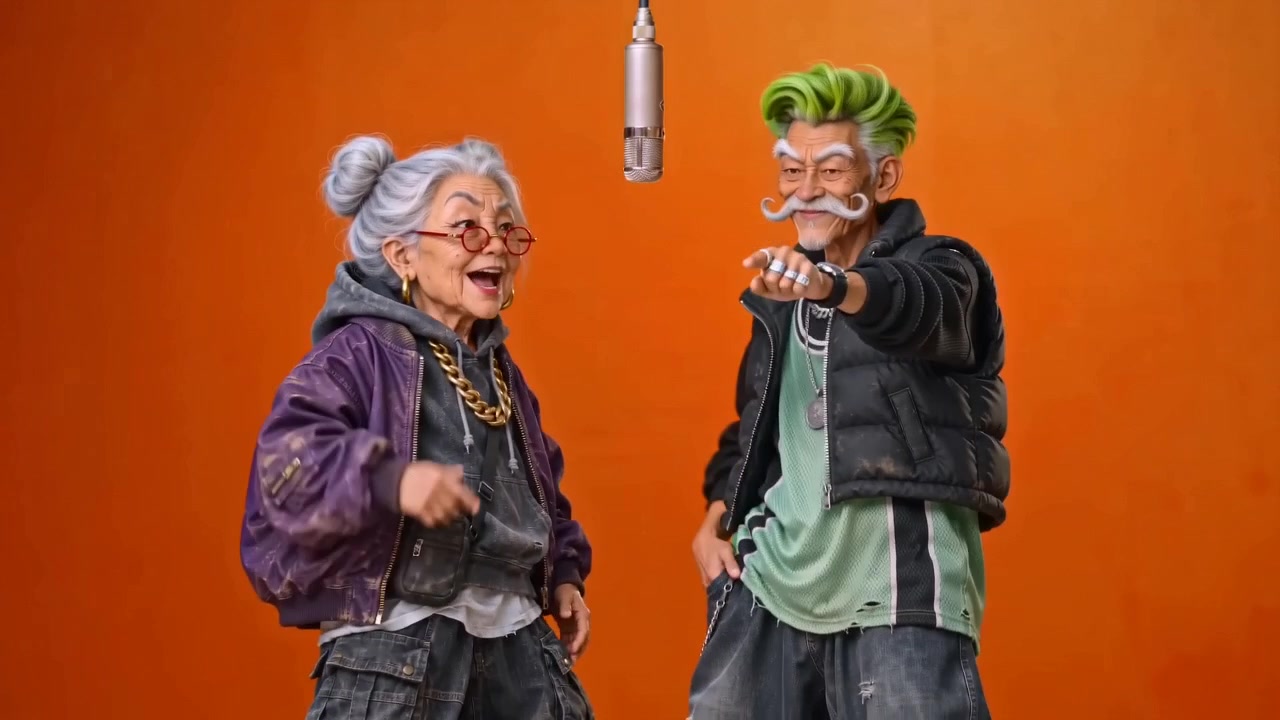
Migos AI: the orange-room duo
The orange room
A plain orange background frames the performance. Describe a seamless studio wall without extra scenery in your prompt.
The duo dynamic
Two performers trade verses and react to each other. Assign image 1 to the left role and image 2 to the right.
The shared mic
One silver microphone hangs between the performers. Keep both people and the microphone visible in a medium-wide shot.
3 prompts for an orange-studio rap duo
Choose a prompt for a 15-second, 16:9 video at 480p. Load it in the studio, add 2 photos and edit the scene or audio before generating.
EDITABLE GENERATION PROMPT: The original setup
1 / 3Create a 15-second original rap duo. Image 1 is the left performer; image 2 is the right. Preserve their distinct identities, clothing and accessories. Place them in a seamless orange studio with one silver microphone hanging between them. They trade short verses, nod to the beat and react to each other with playful hand gestures. Keep both visible in a steady medium-wide shot with a subtle camera push-in. Soft, even studio light. Original rap vocals, deep bass and crisp hip-hop drums. No captions or watermark.
- 16:9
- 15s
- 480p
Create your rap video.
Load a scene and its settings, then add your own photos and edit the prompt.
Hotel Lobby AI video from 2 photos
Full tutorial: turn a photo into a rap videoUpload 2 reference photos
Upload two separate JPG or PNG reference photos, one per performer, up to 10 MB each.
Edit the prompt and video settings
Choose one of the 3 prompts or write your own. Set 5, 10 or 15 seconds, 480p and your frame size. Describe the room, gestures, camera and audio.
Preview and download your video
Generate a 5-second sample after sign-in. Purchase, then return to the studio for a new full version; visuals and audio may differ. Download it within 7 days of completion.
Hotel Lobby AI with your own song idea
Describe your own topic, a short hook and the delivery you want in the prompt. The video generates new rap vocals and a beat together. This studio accepts photos and text; it does not accept an uploaded song or use the Hotel Lobby recording. Specific lyrics and precise lip-sync are not guaranteed.
Try the Hotel Lobby AI video generator with a 5-second sample
Each signed-in account can generate one 5-second sample before its first purchase, shared across the site, free or as a low-cost Trial depending on the current offer. After purchase, generate a new full version from the same photos and brief; it uses credits by length and resolution. Visuals and audio may differ, and the full version takes additional time to generate. Start within seven days of the sample and photo upload.
Compare video plansHotel Lobby AI video FAQ
What is the Hotel Lobby or Migos AI rap video trend?
The trend takes its visual cue from Quavo and Takeoff’s Hotel Lobby performance on A COLORS SHOW: two performers, an orange studio and a shared microphone. This independent tool creates a new performance from your photos and prompt. It is not affiliated with the artists or COLORS. Read about the original performance
Does it include the original Hotel Lobby song?
The original-generation prompts on this page request new beats and generated vocals rather than the Hotel Lobby recording or the artists’ voices. The displayed example is an actual AI-generated result. You can describe your own song idea in the prompt, but exact lyrics and precise lip-sync are not guaranteed.
What prompt should I use for a Hotel Lobby AI video?
Start with: Two original characters take turns rapping in a plain orange studio, with one silver microphone hanging between them. Keep both performers in a steady medium-wide shot, with confident hand gestures and reactions to each verse. Use an original beat and vocals. Then add your characters and mood. Clothing follows each uploaded photo. The studio’s prefilled prompt is editable.
Can I make a Hotel Lobby rap duo from two separate photos?
You can make a Hotel Lobby duo from two separate reference photos. Assign image 1 to the left performer and image 2 to the right, and keep both people and the shared microphone in a steady medium-wide frame. Each image guides one identity; faces, gestures and positioning may vary.
Can I generate without leaving this page?
You can generate and preview a Hotel Lobby video directly on this page. Upload the two reference photos, edit the description and use the embedded studio. Your edited text is saved before sign-in and restored when you return. Select your photos again after signing in.
Do I have to upload the original Hotel Lobby video?
No original video is needed for the generator on this page. Add two separate photos, one per performer, and edit a prompt. This page starts in original-generation mode. The separate meme mode in the studio uses a built-in reference clip, so you do not need to upload that clip either.
Make a rap duo from 2 photos.
Generate a 5-second sample after sign-in. Purchase to generate a new full version; visuals and audio may differ.