

Studio Duo Rap Video Generator
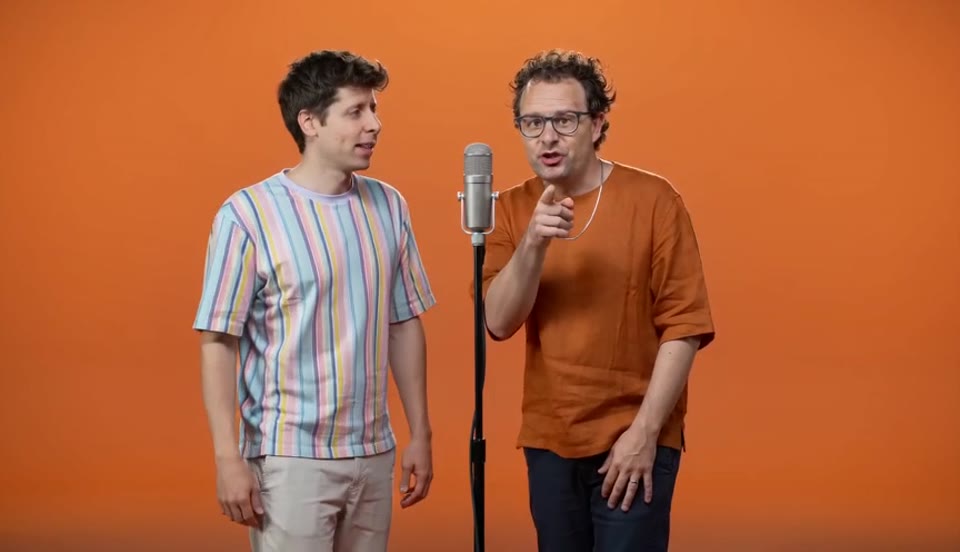
This example turns 2 photos into a 15-second orange-studio rap duo in 16:9 at 480p, with generated audio. Inspect the photos and reuse the prompt below.
- References
- 2 photos
- Duration
- 15s
- Frame
- 16:9 · 480p
- Sound
- Generated audio
Which 2 photos were used?
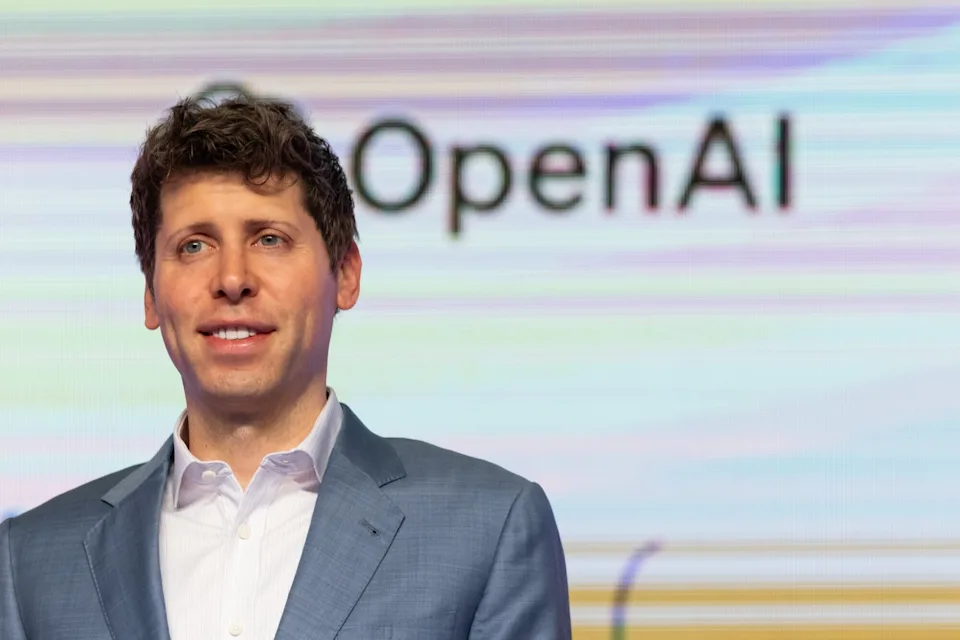
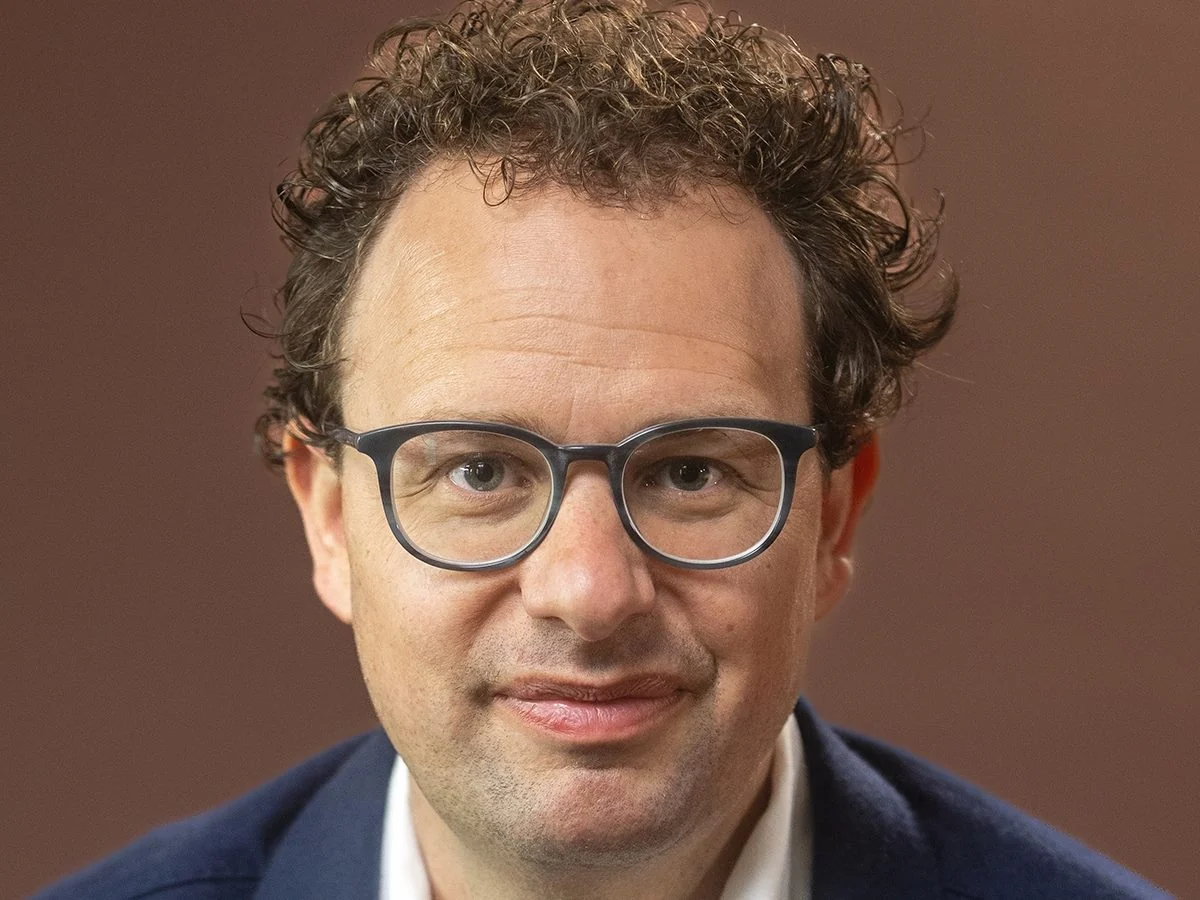
The first photo guides the left performer; the second guides the right. Open either image to inspect the original reference at full size.
What prompt generated this rap video?
This prompt covers the orange studio, each performer’s role, movement, camera and original audio. The English version translates the Chinese prompt used for the example.
Create a 15-second rap duo. Image 1 is the left performer; image 2 is the right. Preserve each face, hairstyle and build without mixing identities. A seamless orange studio with a silver condenser microphone hanging between them and even warm light. The left wears a loose colorful striped short-sleeve shirt and light trousers; the right wears a loose orange top and dark trousers, with simple necklaces. Start with head nods and shoulder sways; the right raps and points toward the camera while the left listens and reacts. In the middle, trade verses at the mic with raised hands, open palms and small arm swings. The right briefly turns away and returns; the left raises an index finger. End in the same left/right positions, exchange a glance and keep rapping. Landscape medium to medium-wide framing keeps both upper bodies and the mic visible, with slow sideways movement and no fast cuts. Natural continuous motion, rhythmic mouths, clear hands, consistent outfits and background. Original alternating rap vocals, bass and drums; no source song, artist voice, footage, subtitles or watermark.English prompt
How do I make my own version?
Reuse the prompt and settings, add your own photos, then edit the scene in these 3 steps.
Cast the left and right roles
Upload one photo per performer in the matching order. Use clear images that you have permission to use.
Match the clothes and mood
This prompt specifies a striped shirt and an orange top. Edit those details to match your photos, then adjust the gestures or delivery.
Keep a clear shared frame
The setup uses 15 seconds in 16:9. Keep both performers and the hanging mic visible, with gentle camera movement and no rapid cuts.
Create your rap video.
Load a scene and its settings, then add your own photos and edit the prompt.
Questions about this AI video
Will using this prompt recreate the same video?
No. The same prompt creates a new result each time. Your photos guide the performers, but faces, movement, timing and audio can vary. Loading this prompt copies its text and video settings; it does not attach the example’s photos.
Can I use the original Hotel Lobby song?
No song upload is available. This example requests generated rap and backing music. Reusing the prompt does not include the Hotel Lobby recording or the artists’ voices, and does not guarantee exact lyrics or lip-sync.